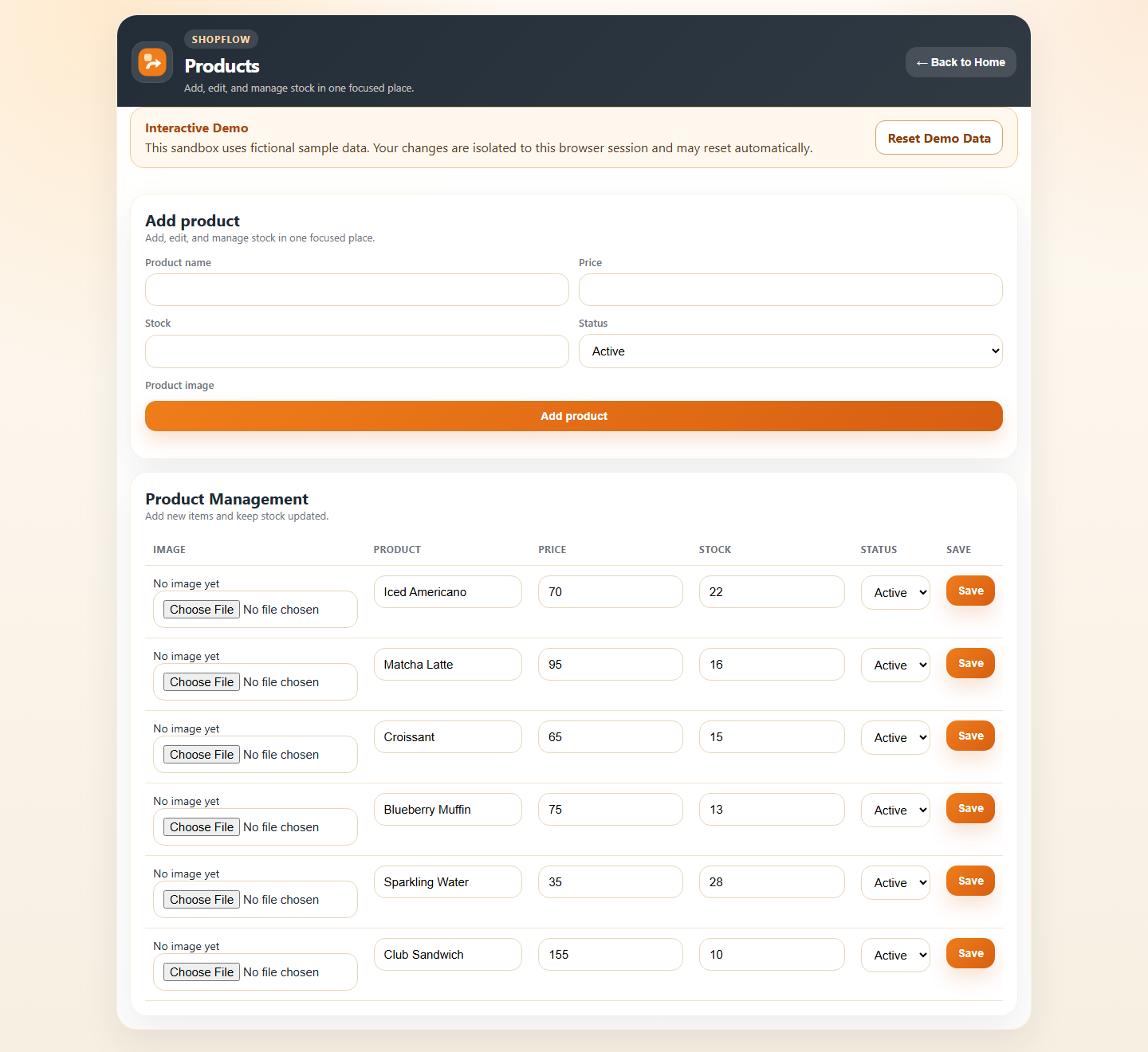
Product catalog
Manage shop items, pricing, and active status.
Case study · Shop operations
LINE-Based Shop Operations & Sales Management System
01 · Project identity
ShopFlow helps small businesses manage products, stock, sales, expenses, team access, and day-to-day reporting through a LINE-first workflow and a focused Manager interface.
It is an operations system with an interactive browser demo—not a full CRM, POS, or e-commerce checkout platform.
02 · Hero proof
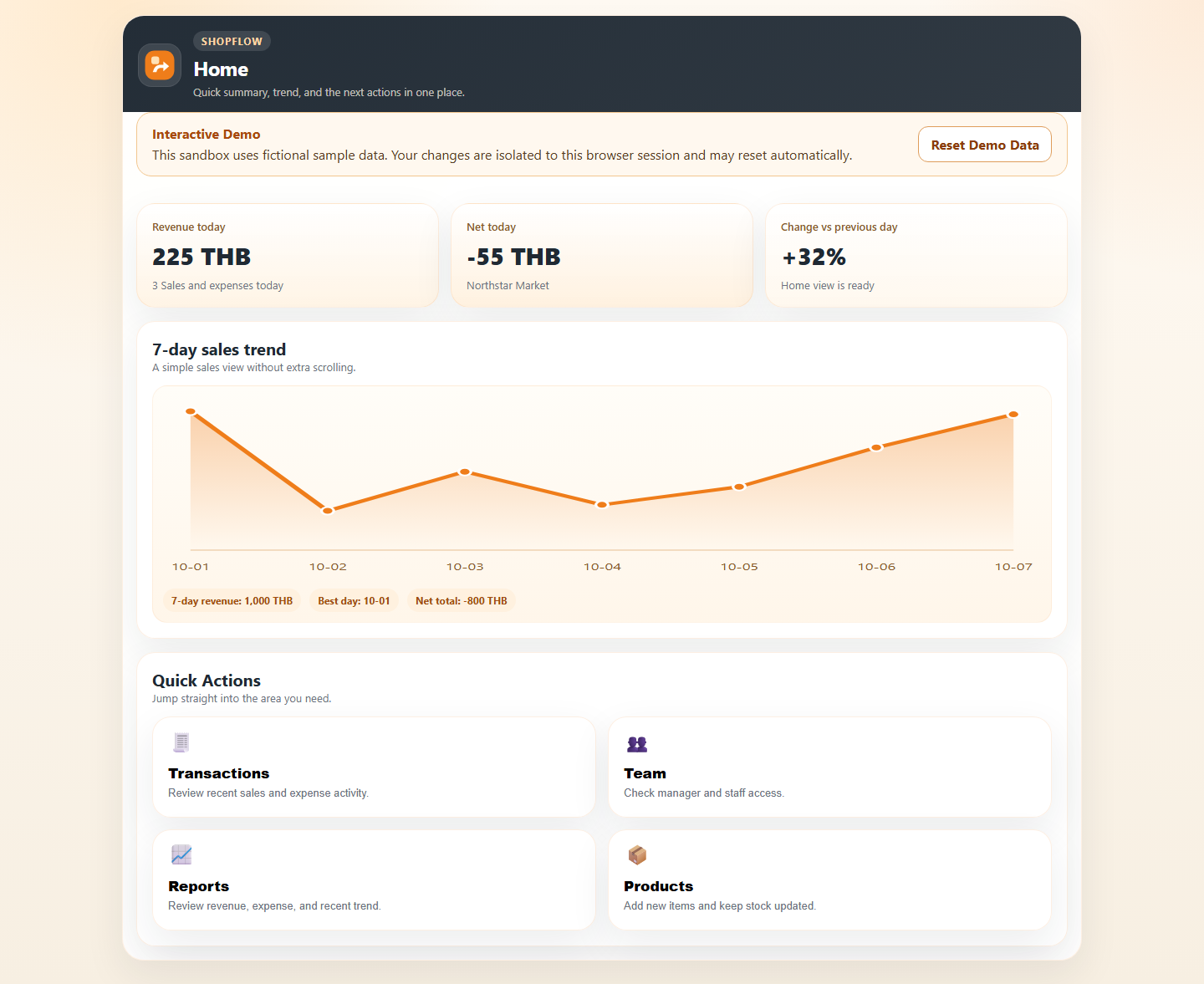
The live Web Demo opens with a sample shop dashboard, products, and recent activity. The demo uses fictional sample data in a temporary sandbox. Visitors can explore the workflow without affecting one another.
03 · Problem
Products and stock may be tracked in one place, while sales, expenses, and team updates live in another. Managers then have to assemble the day’s picture manually.
For teams that already work in LINE, a heavy enterprise system can add friction to everyday tasks.
04 · Solution
ShopFlow brings product and stock management, sales, expenses, transaction history, and operational summaries into one connected workflow.
Staff and managers can work through LINE-oriented interactions, with a Manager / LIFF experience for structured shop operations and review.
05 · Workflow
06 · Key features
Manage shop items, pricing, and active status.
Keep inventory counts connected to recorded sales.
Record transactions and apply stock changes with a sale.
Keep shop expenses in the same operating record.
Support distinct roles in the shop workflow.
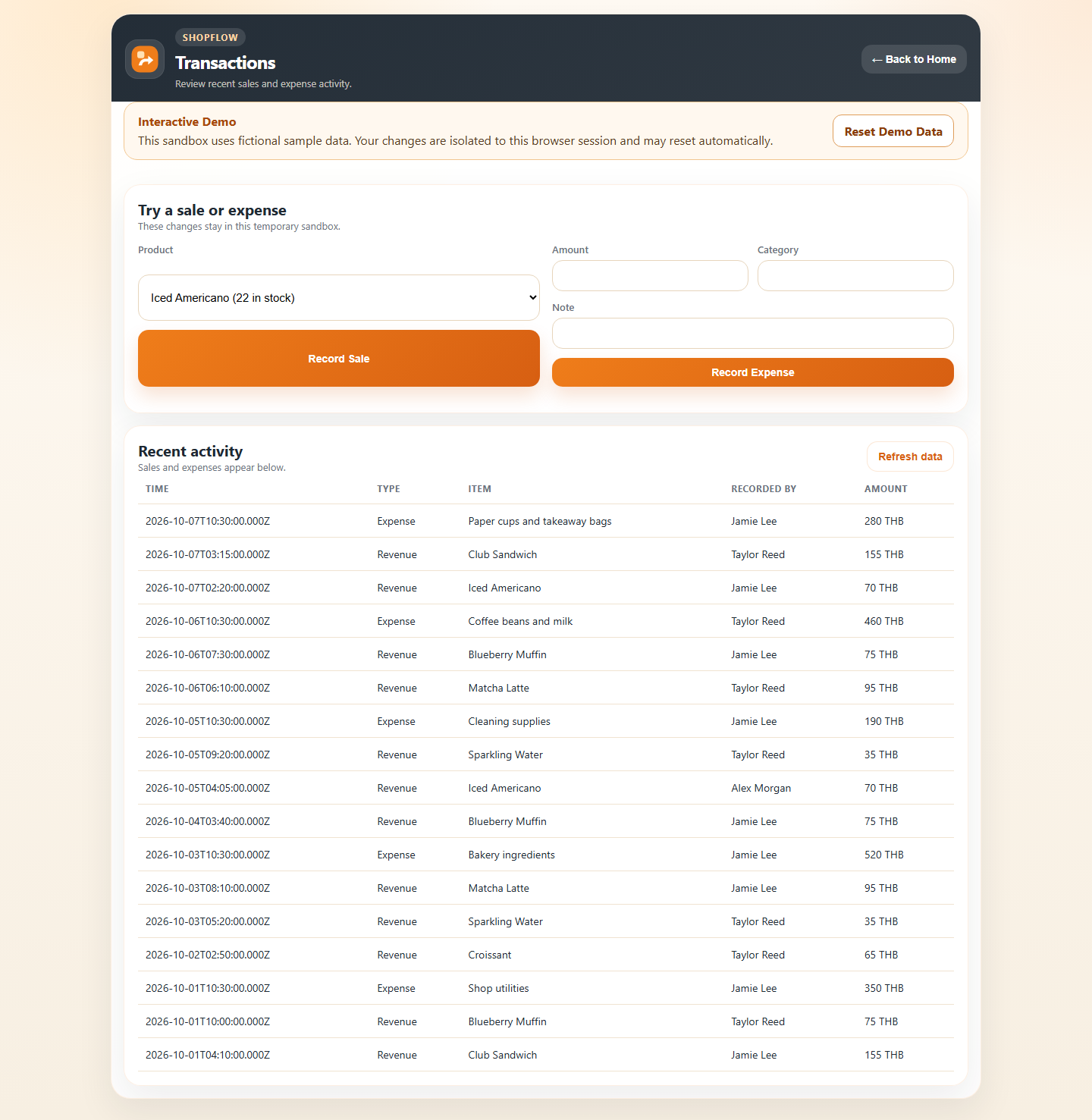
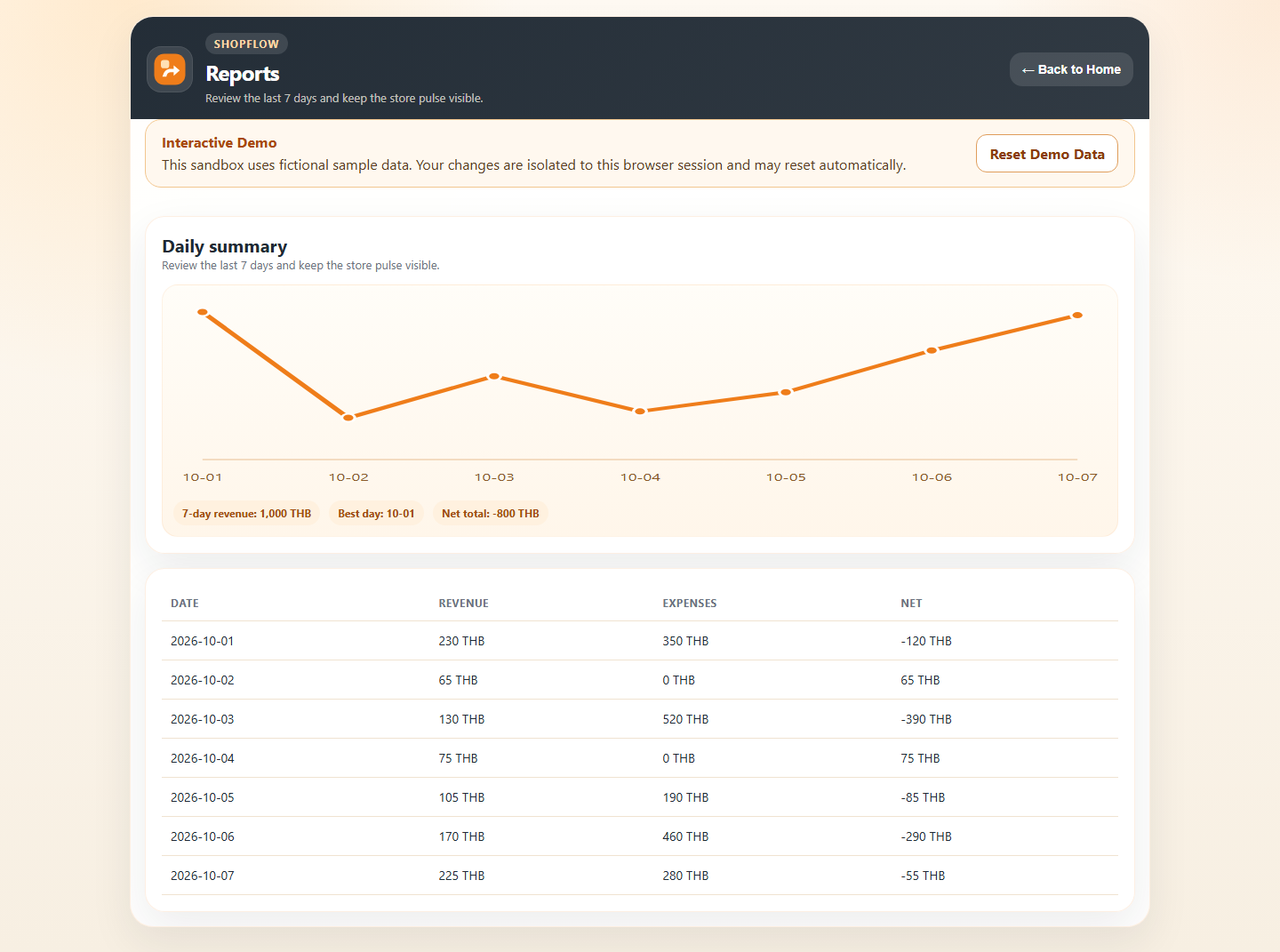
Review recent sales, expenses, and daily summaries.
07 · Visual proof
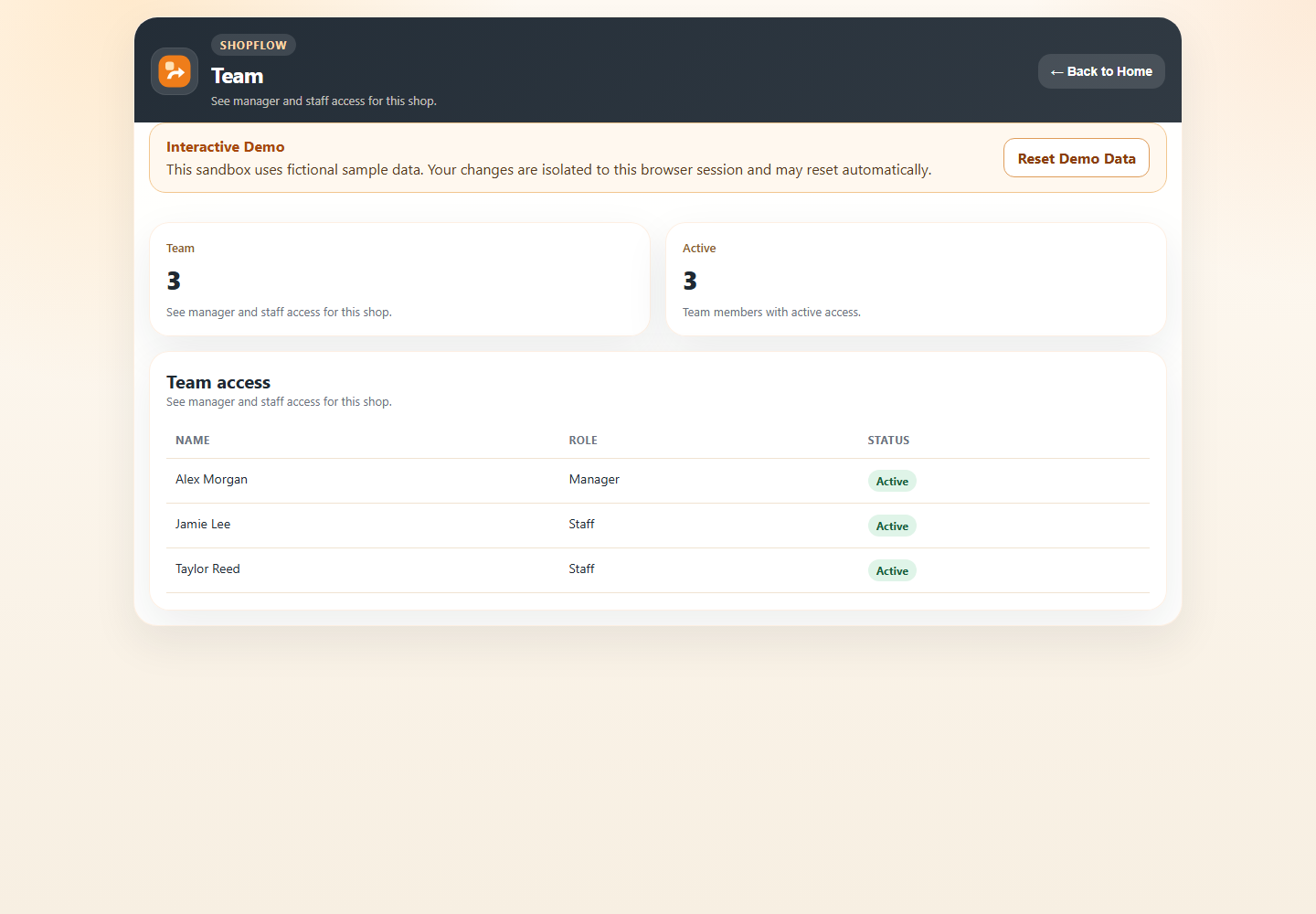
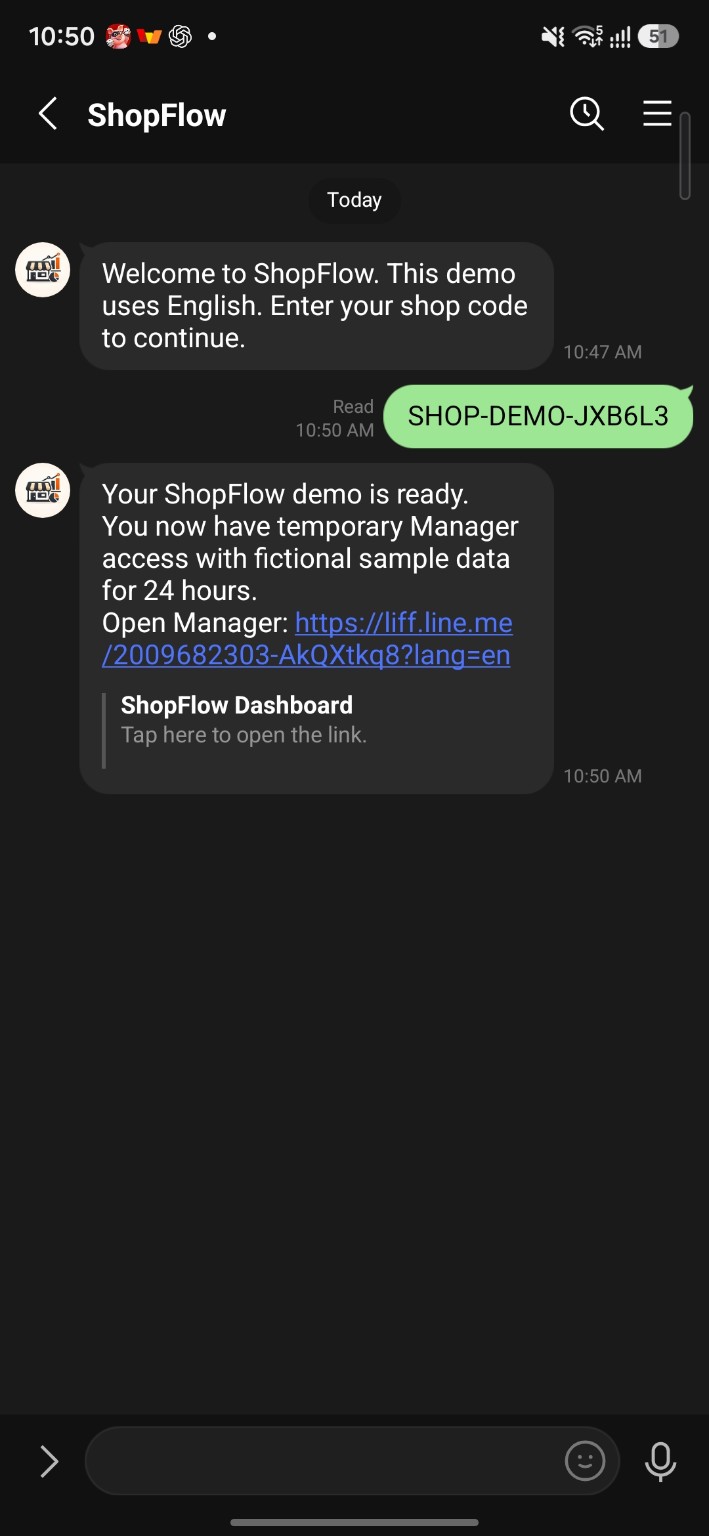
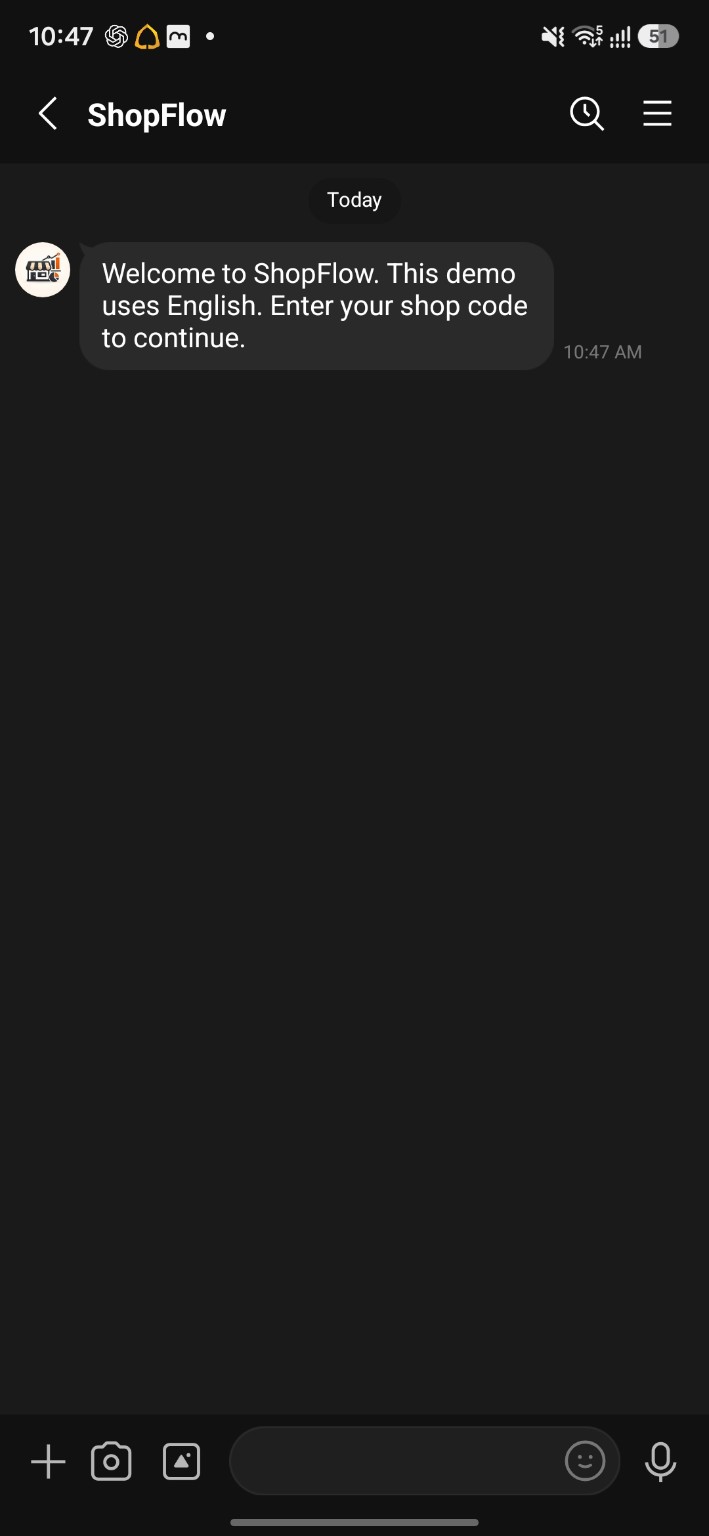
The five browser captures show fictional sample records. The LINE screenshots show the real welcome and Demo Code activation flow; the LIFF Manager smoke test is reported as verified text below, with no LIFF screenshot included.
These captures show the live browser demo with fictional sample records. Open any image to inspect the full-size interface.
Live LINE proof
The activation conversation is the primary LINE proof. The welcome message confirms the webhook conversation response.
08 · Business value
Bring routine product, sales, and expense activity into one flow.
Keep stock changes close to the sales that drive them.
Review operational activity through a Manager summary.
Keep LINE-oriented work connected with a structured Manager interface.
Let visitors inspect a temporary sample workflow before a conversation.
Turn sales and expense activity into records managers can review.
09 · My role
Implementation work covered workflow and product design, backend and SQLite architecture, LINE and LIFF interaction, product and stock logic, sales and expense records, operational reporting, the Manager interface, paid activation architecture, deployment, and QA.
The public browser demo uses synthetic data in a separate temporary environment. Its sample records do not represent customer results.
10 · Tech stack
Confirmed implementation technologies:
11 · Proof links and demo paths
Interactive Web Demo
Use the Manager Home, Products, Stock, Transactions, Expenses, and Reports in a temporary browser sandbox. Your session is isolated and may reset automatically.
Try Interactive DemoLINE Demo Manager · Live smoke test passed
LIFF status: the existing Manager opened inside LINE and the Dashboard loaded with synthetic demo data. This is verified smoke-test status, not screenshot evidence.

12 · Next step
Let’s shape products, stock, sales, and reporting around the way your team already works.